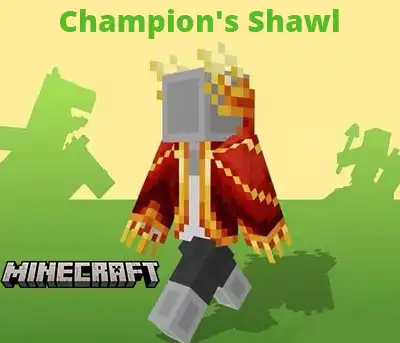
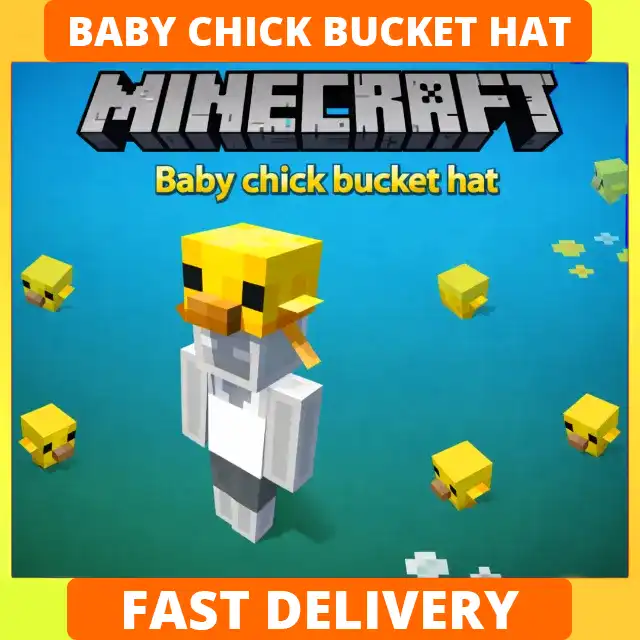
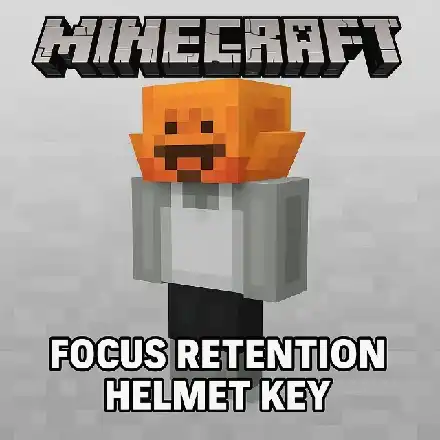
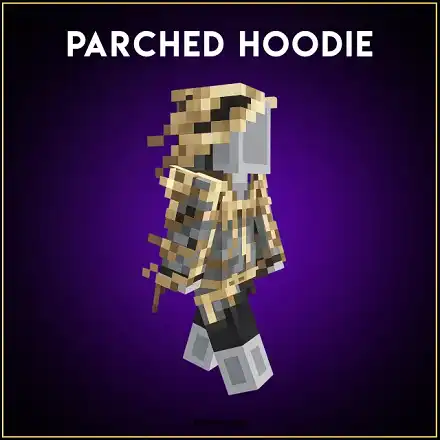
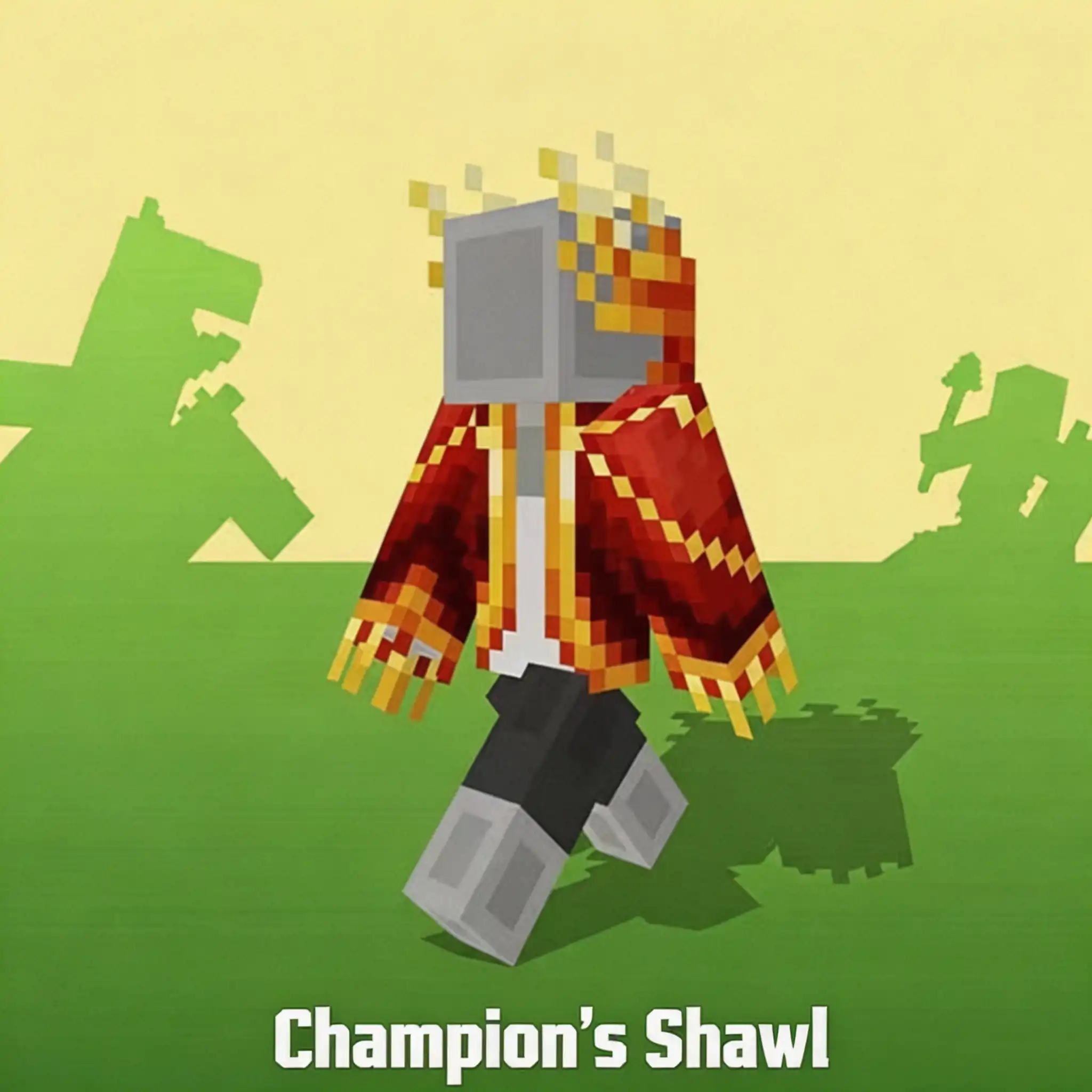
Buy Minecraft Capes and Cosmetic Items
Minecraft characters may begin with the same blocky shape, but they do not have to look the same. Capes, hoodies, masks, hats, slippers and other wearable cosmetics let you create a recognizable look for multiplayer servers, Realms and everyday exploration.
GamsGo offers Minecraft cape codes and cosmetic item codes delivered digitally through your order page. Instead of receiving a physical product or an ordinary in-game block, you receive a code that unlocks the specific cosmetic content stated in the product description.
Available items may support Minecraft: Java Edition, Bedrock Edition or both. The sections below explain what these codes unlock, how to check compatibility, how to place an order and where to redeem your code.
What Minecraft Items Can You Buy on GamsGo?
The Minecraft items listed on GamsGo mainly include promotional capes and Character Creator cosmetics. Check the listing against the official item type, supported edition and redemption deadline before buying.
| Item Type | What It Unlocks | What to Check | Suitable For |
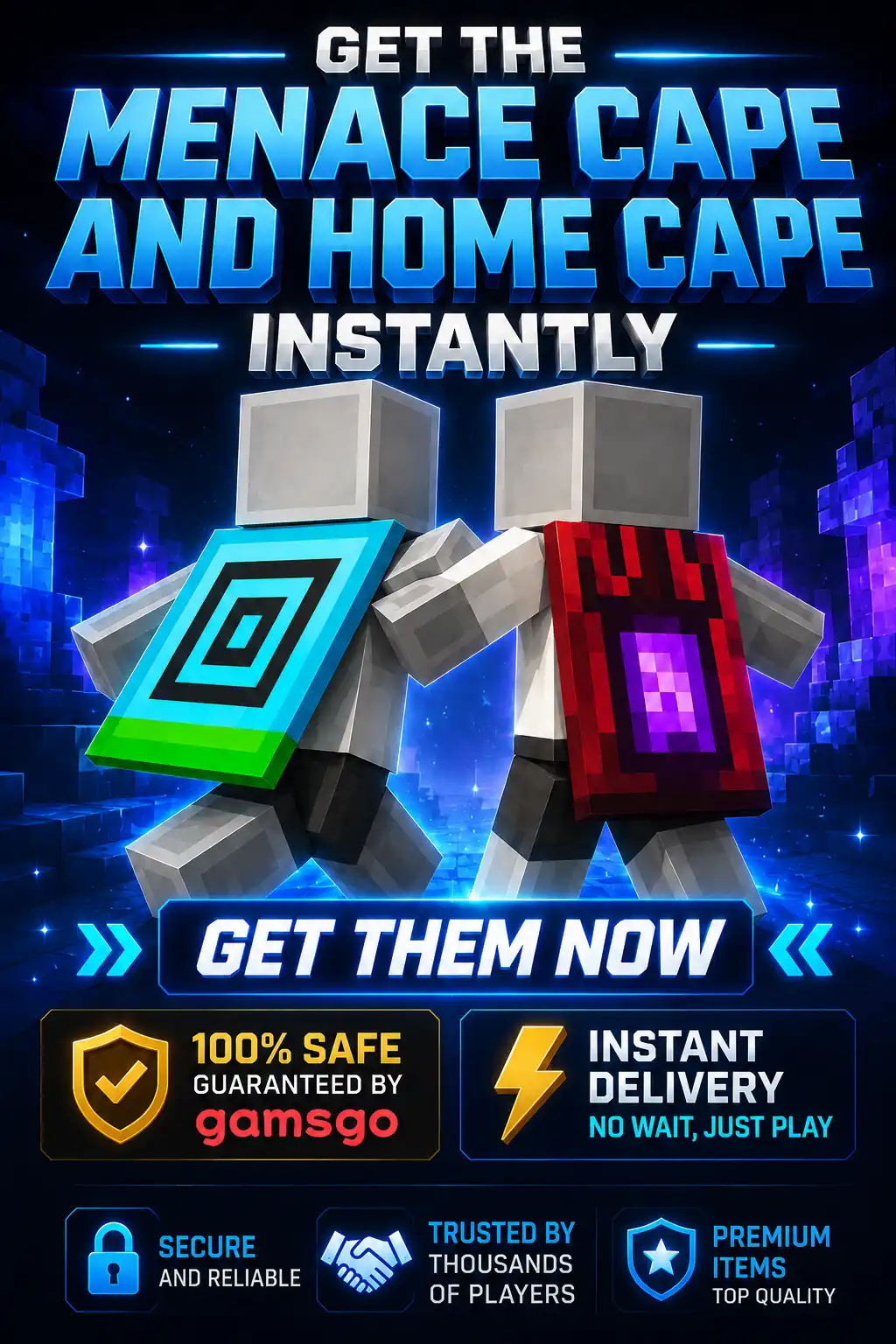
| Minecraft Cape Codes | A named cape that can be equipped on a compatible Minecraft character | Java, Bedrock, region and redemption deadline | Players who want a visible cosmetic for their character |
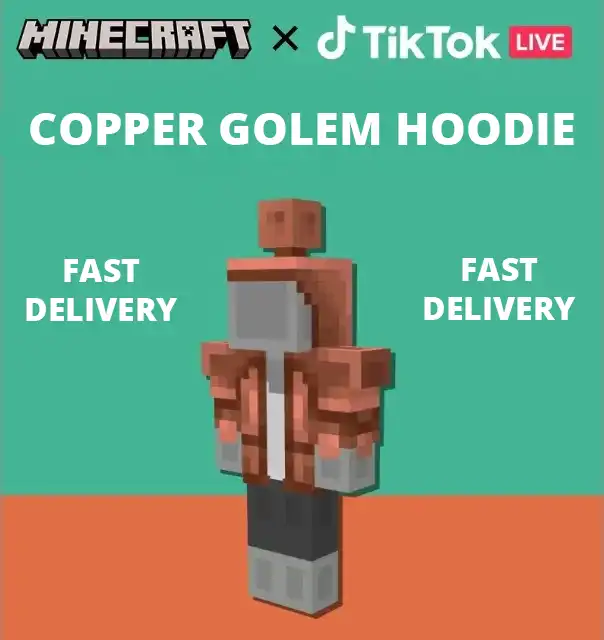
| Character Creator Items | Wearable items such as hoodies, masks, hats, coats or footwear | Whether the item is limited to Bedrock Edition | Bedrock players who use the Dressing Room |
| Cosmetic Bundles | Two or more matching cosmetics included in one offer | Every item included and the edition supported by each item | Players building a coordinated character outfit |
A cosmetic code unlocks the named item rather than adding Minecoins to your balance. Minecoins are used to purchase eligible skin packs, worlds, texture packs and other content in the Bedrock Marketplace.
Check Compatibility Before Buying a Minecraft Item
The item design should not be the only reason you choose a code. Minecraft cosmetics can have different requirements for edition, platform, region and account type. Checking these fields before checkout is the most important part of the purchase.
| Compatibility Field | What You Need to Confirm | Why It Matters |
| Edition | Java Edition, Bedrock Edition or both | A Bedrock-only Character Creator item may not appear in Java Edition |
| Platform | PC, Xbox or another platform stated in the listing | Some codes must be claimed through a particular platform or portal |
| Region | Global or a specifically supported country or region | A region-restricted code may not work with an incompatible Microsoft account |
| Microsoft Account | The account connected to the Minecraft profile that should receive the item | The item is applied to the account used during redemption |
| Redemption Deadline | Any expiry date shown in the product or redemption instructions | Promotional codes may need to be redeemed before a specified date |
Do not assume that every cape works in both editions simply because Java and Bedrock can use the same Microsoft account. Use the compatibility information in the individual product title, description and seller instructions as the final reference.
How to Choose the Right Minecraft Cosmetic
Start with the type of cosmetic you want your character to wear. A cape creates a recognizable back design, while Character Creator items change specific parts of a Bedrock character’s outfit. A bundle can be more convenient when it contains several matching pieces you plan to use together.
- Choose by appearance: Pick a cape, hoodie, mask, hat, coat or footwear design that fits your character.
- Check the edition first: Confirm whether the listing supports Java, Bedrock or both before comparing prices.
- Match the platform: Read any PC, Xbox or other platform requirement shown in the offer.
- Review the full bundle: If the product contains multiple items, check exactly which cosmetics are included.
- Check the redemption terms: Look for the required portal, supported region and any stated redemption deadline.
- Review the seller information: Check the price, rating, estimated delivery time and order protection shown before payment.
If you want a specific collectible appearance, choose the code for that named cosmetic. If you frequently change your Bedrock character and purchase different Marketplace content, a Minecoin product may better suit that type of spending.
Where to Buy Cheap Minecraft Cape?
You can buy Minecraft cape codes and cosmetic item codes on GamsGo. Each listing presents the item name, price, seller information, estimated delivery time and compatibility details available for that offer.
- Affordable digital offers: Review the current price for the Minecraft cosmetic you want before ordering.
- Different cosmetic types: Find cape codes, Character Creator wearables and matching cosmetic bundles.
- No physical delivery: Receive the code through your GamsGo order page instead of waiting for shipping.
- No Minecraft password required: Redeem the delivered code yourself on the appropriate official portal.
- Visible product details: Check the supported edition, platform and region stated in each listing.
- Seller information: Review the seller rating and estimated delivery time before completing checkout.
- Order tracking: Follow the delivery status and contact the seller from the corresponding order page.
- DealShield protection: Request assistance for eligible delivery or product-description issues under the applicable order terms.
- Flexible checkout: Select from the payment methods available for your country at checkout.
Choose the cosmetic you want, confirm that it works with your edition and account, and review the current offer. After the order is completed, you can retrieve the delivered code and redeem the item on your own Microsoft account.
How to Buy Minecraft Item on GamsGo
- Browse the available Minecraft capes and cosmetic items.
- Select the item you want to unlock.
- Check whether the code supports Java Edition, Bedrock Edition or both.
- Confirm the platform, region and redemption instructions shown in the listing.
- Review the seller, price and estimated delivery time.
- Select an available payment method and complete checkout.
- Open your GamsGo order page and wait for the digital code to be delivered.
- Copy the code accurately and redeem it through the specified official portal.
Before redeeming, verify the Microsoft account shown on the redemption page. The cosmetic will be connected to the account used to claim the code.
How to Redeem a Minecraft Item Code
Most Minecraft promotional items use a 25-character code arranged in five groups of five characters. The official Minecraft redemption page requires an active Microsoft account.
- Open the official Minecraft redemption page.
- Sign in to the Microsoft account linked to the Minecraft profile that should receive the item.
- Enter the 5×5 code delivered through your GamsGo order.
- Review the item and account information shown on the page.
- Confirm the redemption to apply the content to your account.
- Launch the supported Minecraft edition and locate the new cosmetic.
If your product includes a 10-character content code or specifies a different Microsoft or Xbox redemption page, follow the portal stated in the product instructions. Do not enter the code repeatedly on unrelated redemption websites.
How to Find and Equip Your Redeemed Minecraft Item
The location of the redeemed item depends on whether it is a Bedrock Character Creator cosmetic, a Bedrock cape or a Java-compatible cape. Restarting the game after redemption can help refresh the content linked to your account.
| Minecraft Edition | Where to Look | How to Equip It |
| Bedrock Edition | Dressing Room | Select the character you want to edit and find the item in the relevant Character Creator or cape category |
| Java Edition | Minecraft Launcher under the Java Edition Skins section | Edit the selected skin, choose the available cape, and select Save & Use |
| Java & Bedrock Promotional Cape | Bedrock Dressing Room first, followed by the Java cape selection | Some promotional capes must first be claimed in Bedrock before they become available on the linked Java profile |
Use the same Microsoft account for redemption and in the game. A Bedrock-only hoodie, hat or footwear item belongs in the Dressing Room and should not be expected to appear as a Java cosmetic.
More Minecraft Products on GamsGo
Minecraft item codes are designed for players who want a named cape or cosmetic. GamsGo also provides other Minecraft products for different purchasing needs:
- Minecraft Top Up: Add Minecoins for eligible skin packs, texture packs, worlds, mash-up packs and other content in the Bedrock Marketplace.
- Minecraft Accounts: Browse available Minecraft account offers when you need an account product rather than a redeemable cosmetic code.
Minecraft Item Code FAQ
Do Minecraft Item Codes Work on Java and Bedrock?
It depends on the individual item. Some promotional capes support both Java and Bedrock, while many Character Creator wearables are limited to Bedrock Edition. Check the edition stated in the product title and description before ordering.
Where Can I Redeem a Minecraft Cape Code?
Most 25-character Minecraft cape and promotional item codes can be redeemed at minecraft.net/redeem after signing in to an active Microsoft account. If the seller provides a different official redemption channel for a particular code format, follow those instructions.
Are Minecraft Item Codes Region-Locked?
Some codes are Global, while others may have country, platform or account restrictions. Confirm the supported region in the product details instead of assuming that every digitally delivered code works worldwide.
Can a Minecraft Item Code Be Redeemed More Than Once?
No. Minecraft item codes are normally intended for one successful redemption. After the code has been applied to a Microsoft account, it cannot be redeemed on another account.
How Long Does Minecraft Item Code Delivery Take?
The estimated delivery time is displayed with the available offer before checkout. You can follow the delivery status from your GamsGo order page after completing payment.
What Should I Do If My Minecraft Item Code Does Not Work?
Check every character in the code and look for common typing mistakes such as O and 0 or I and 1. Confirm that you are using the correct official portal, signed in to the intended Microsoft account and attempting to redeem the code before any stated deadline.
If the code still does not work, take a screenshot of the complete error message without publishing the full code. Open the corresponding GamsGo order and contact the seller or support team with your order number and the error information.
Why Can’t I Find My Redeemed Minecraft Cosmetic?
Confirm that the game uses the same Microsoft account that redeemed the code. Bedrock Character Creator items appear in the Dressing Room, while Java-compatible capes can be selected through the Java Edition skin settings. Also verify that the item supports the edition you have opened.